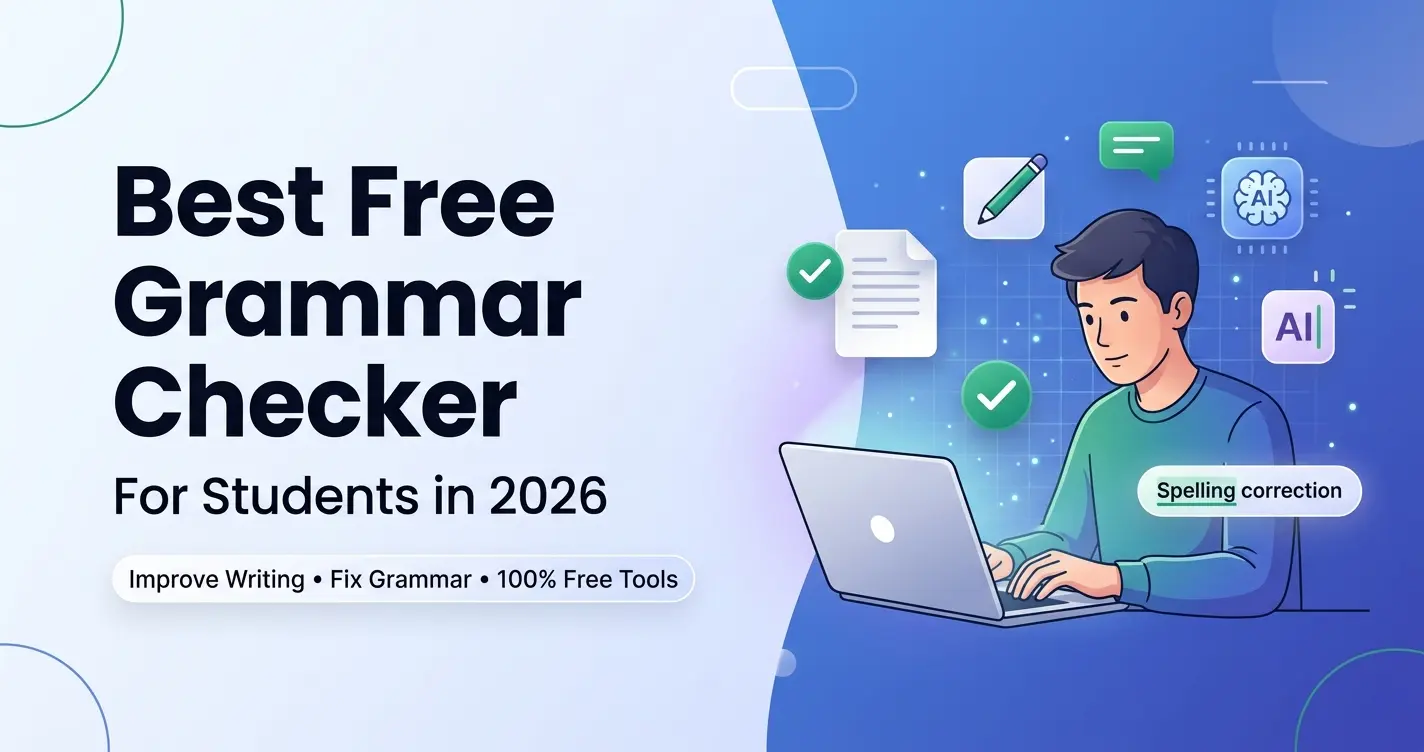
Grammarly keeps asking you to upgrade. LanguageTool has a character limit. QuillBot requires a login. Here's what actually works for free in 2026.
Grammar errors are the easiest way to lose points on an essay — and the easiest to prevent using our Grammar Fixer. But finding a grammar checker that's genuinely free, works without an account, and handles academic writing correctly is harder than it sounds in 2026.
Most free grammar tools come with one of three frustrating limitations: they cap you at 150-500 characters (useless for a full essay), they require account creation, or they only catch basic spelling errors and miss the grammar issues that actually affect grades.
This guide doesn't just list tools — it matches each one to a specific student situation. Whether you're an ESL writer who needs multilingual support, a Google Docs user who wants live corrections, or someone who needs a grammar fix at 11 PM with no time to create an account, there's a specific tool here for you. Furthermore, if you're drafting personal statements, our guide on how to write a college application essay covers the exact narrative structure needed for success.
Why Grammar Errors Cost Students More Points Than They Realize
Most students underestimate how much grammar affects their grades. In a study of college essay grading patterns, researchers found that papers with consistent grammar errors scored on average one full letter grade lower than papers with the same argument quality but clean grammar. The reason is psychological: consistent errors signal carelessness, which undermines the professor's confidence in the rest of the work. A grammar checker doesn't replace good writing — but it removes the one thing that can tank an otherwise strong essay before the professor even reads your argument. If you're short on time, you can also calculate your reading length using our Reading Time Calculator to see how long your final draft will take to read.
5 Best Free Grammar Checkers Compared
WritlifyAI — Grammar Fixer
Best: No Signup, InstantBest for: Students who need a grammar fix right now with zero friction. No extension to install, no account to create, no premium upgrade prompts. Paste your paragraph, click fix, and get a corrected version in seconds. It catches the grammar issues that matter most in academic writing — comma splices, subject-verb disagreement, apostrophe errors, and run-on sentences. Transparency: this is our tool, and we ranked it first specifically because it's the only one on this list that has no signup requirement at all.
- No signup, no account, no credit card — ever
- Catches academic grammar errors: comma splices, run-ons, subject-verb disagreement
- Works on any device in any browser — nothing to install
- Results in seconds — no waiting, no daily limits
Grammarly Free
Best: Live In-Doc CheckingBest for: Students who write their essays directly in Google Docs, Gmail, or Canvas and want corrections to appear as they type. Grammarly's browser extension is the most seamlessly integrated grammar tool available — it catches errors in real time without requiring you to copy-paste anything. The free tier covers grammar, spelling, and basic clarity. It does require creating a free account, and advanced suggestions (style, tone rewriting, plagiarism detection) are locked behind the paid plan.
- Live grammar and spelling corrections appear as you type
- Browser extension integrates with Google Docs, Gmail, Canvas, and most web tools
- Tone detection helps you match the right register for each assignment
- Free tier catches the grammar mistakes that most affect grades
LanguageTool Free
Best: ESL & MultilingualBest for: International students and ESL writers who need grammar checking across multiple languages, or who write English essays but think in another language. LanguageTool supports over 30 languages, which means it understands common ESL mistakes that native-speaker tools miss — like article usage errors (a vs. the), preposition misuse, and false cognates. The free version checks up to 10,000 characters and integrates with Google Docs and Microsoft Word.
- Supports 30+ languages — unique among free grammar tools
- Recognizes ESL-specific patterns like article and preposition errors
- Checks up to 10,000 characters free — enough for full essay sections
- Google Docs and Microsoft Word browser integrations available
QuillBot Grammar Checker
Best: Combined with ParaphrasingBest for: Students already using QuillBot's paraphrasing tool who want a grammar check in the same platform. QuillBot's grammar checker is clean and distraction-free — paste your text and see errors highlighted with one-click corrections. It doesn't require a browser extension. The limitation is that it requires a QuillBot account, and the free paraphraser is capped at 125 words — so if you use both tools together, you'll hit the paraphraser limit quickly.
- Clean interface with highlighted errors and one-click corrections
- No extension needed — works directly in any browser tab
- Part of the QuillBot ecosystem if you use their paraphraser too
- Free grammar checking — account required
ProWritingAid Free
Best: Deep Writing AnalysisBest for: Students who want more than grammar checking — who want a full analysis of their writing style, including overused words, sentence length variation, readability score, and structural patterns. ProWritingAid's free tier checks up to 500 words and gives you a report across 20+ writing dimensions. It's overkill for fixing comma errors, but it's genuinely useful for understanding recurring weaknesses in your writing over time.
- Checks 500 words free with a full 20+ dimension writing report
- Analyzes overused words, sentence structure variety, and readability
- Google Docs and Microsoft Word integrations available
- Account required — free tier is time-limited per report
Which Free Grammar Checker Is Right for You?
| If You Need… | Use This Tool | Signup Required? | Word Limit |
|---|---|---|---|
| No signup, instant fix | WritlifyAI Grammar Fixer | ✅ No signup ever | Unlimited |
| Live corrections in Google Docs | Grammarly Free | ❌ Account required | Unlimited |
| ESL / multilingual support | LanguageTool Free | ❌ Account for extension | 10,000 characters |
| Grammar + paraphrasing together | QuillBot Grammar Checker | ❌ Account required | Unlimited grammar |
| Deep style and readability analysis | ProWritingAid Free | ❌ Account required | 500 words |
How to Use Grammar Checkers More Effectively
Don't accept every grammar suggestion automatically. Tools occasionally suggest changes that are technically correct but make your writing sound awkward or change your intended meaning.
Use two tools together for the best coverage: WritlifyAI Grammar Fixer for a quick no-account fix, then Grammarly's extension for live checking while you revise.
Grammar checkers don't catch argument errors — only language errors. A perfectly grammatical essay with a weak argument still earns a poor grade. Fix your argument first, then check grammar.
For long essays, paste one section at a time rather than the entire essay. Most free tools have character or word limits, and you'll get better results with focused, shorter inputs.
Frequently Asked Questions
What is the best free grammar checker for college students in 2026?
The best free grammar checker depends on your specific situation. For no-signup instant fixes, WritlifyAI Grammar Fixer is the top choice. For live corrections while writing in Google Docs, Grammarly Free is unmatched. For ESL and international students, LanguageTool supports 30+ languages for free. All three are strong options for different use cases.
Is there a completely free grammar checker that doesn't require an account?
Yes — WritlifyAI Grammar Fixer at writlifyai.com/tools/grammar-fixer requires no account, no email, and no credit card. You can use it directly without any signup at all. It's the only major grammar tool on this list that works with zero friction.
Is Grammarly Premium worth it for students?
Grammarly Premium adds full-sentence rewrites, plagiarism detection, advanced tone adjustments, and a clarity score. For most students, the free tier is sufficient for fixing grammar and spelling errors before submission. Grammarly Premium is worth considering if you write long-form research papers frequently and want continuous advanced suggestions — otherwise, the free tier combined with a no-signup tool like WritlifyAI covers most needs.
Can grammar checkers handle academic writing styles?
Most grammar checkers are calibrated for general business or casual writing, not academic prose. Grammarly and LanguageTool both have academic modes. WritlifyAI Grammar Fixer is specifically designed for student essay content. ProWritingAid offers the most detailed academic style analysis. Always read AI suggestions in context of your assignment — formal academic writing has conventions that some tools don't fully understand.
The Right Grammar Tool Makes a Real Difference
Grammar errors are preventable — and preventing them consistently is one of the simplest ways to improve your grades. The right tool depends on your specific situation: how you write, what platform you use, whether you can create an account, and how much analysis you actually need.
For most students, a two-tool setup works best: WritlifyAI Grammar Fixer for quick no-account fixes when you're in a time crunch, and Grammarly Free installed as a browser extension for live checking during your normal writing sessions.
Stop losing points to grammar issues that take two minutes to fix.